> ## Documentation Index
> Fetch the complete documentation index at: https://docs.neynar.com/llms.txt
> Use this file to discover all available pages before exploring further.
# Create Farcaster Mini App
> Create a Farcaster mini app in less than 60 seconds
If looking to convert an existing web app into a mini app, see [Convert Web App to Mini App](/docs/convert-web-app-to-mini-app).
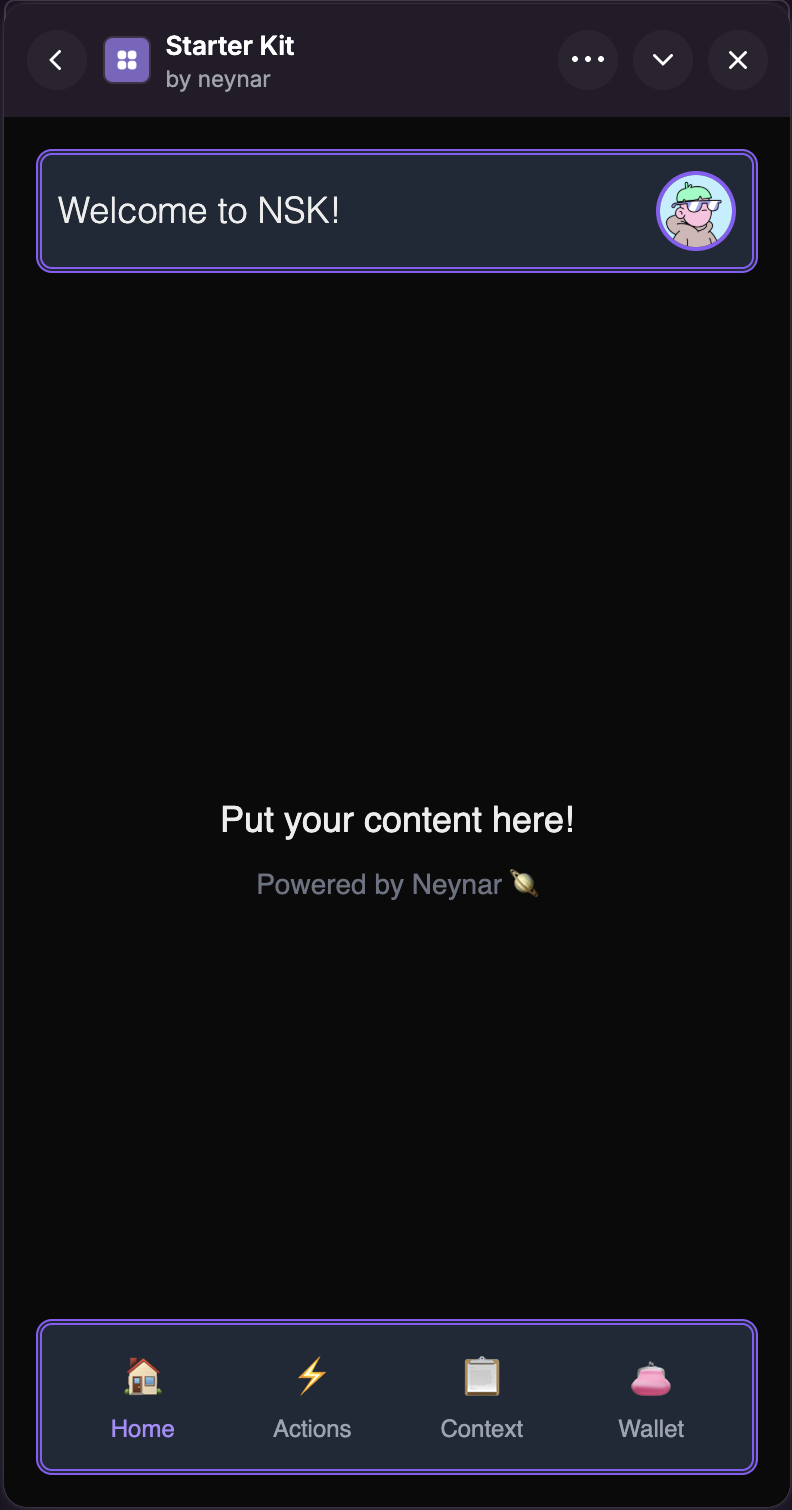
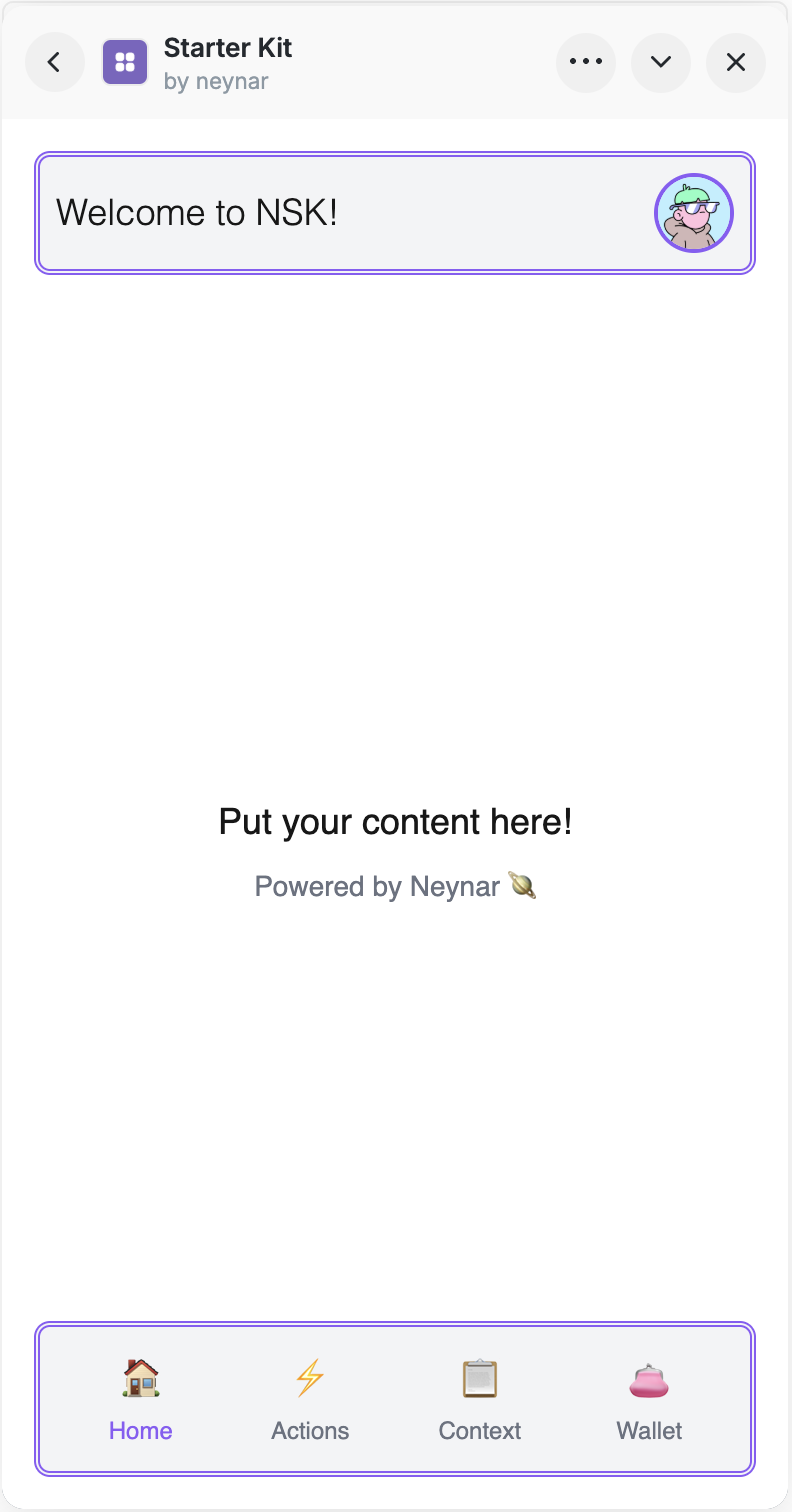
This tutorial shows how to create a Farcaster mini app (previously known as Farcaster frames) with one simple command in less than 60s using the [Neynar Starter Kit](https://github.com/neynarxyz/create-farcaster-mini-app/).
Simply type `npx @neynar/create-farcaster-mini-app@latest` in any terminal window to get started with the template, or check out the [live demo of the Neynar Starter Kit](https://farcaster.xyz/miniapps/Qmodl2Stf9qh/starter-kit) on Farcaster.
* package is open source ([github repo](https://github.com/neynarxyz/create-farcaster-mini-app))
* using neynar services is optional
* demo API key is included if you haven't subscribed yet
The flow:
* generates signature required by mini app spec on your behalf and puts in the farcaster manifest
* sets up splash image, CTA, etc. as part of workflow (incl. personalized share images, more on that below)
* spins up a localtunnel hosted url so you can debug immediately, no need to ngrok or cloudflare on your own
* if you use neynar:
* automatically fetches user data
* automatically sets sets up [notifications and analytics](/docs/send-notifications-to-mini-app-users) (just put in your client id from the dev portal)
See \< 1 min video here that goes from scratch to testable mini app:
If you have questions or feature requests, please reach out to @[veganbeef](https://warpcast.com/veganbeef) or @[rish](https://warpcast.com/rish). We are always looking forward to working with developers!
If you want to sign in users with a Farcaster signer into your mini app, use
* [Mini app auth](/docs/mini-app-authentication) if you want a built in next.js frontend.
* [Neynar Managed Signers](/docs/integrate-managed-signers) when building your own frontend.
### Appendix
A great way to make your mini app go viral is to give your users personalized share images / urls that they can share on their social media timelines. Our starter kit makes it easy. Simply add `/share/[fid]` at the end of your mini app domain to create a personalized share image for that user e.g. `[your_url].[extension]/share/[fid]` should create an embed image like below:
.avif?fit=max&auto=format&n=V7Un5QUQSGJFAZfS&q=85&s=f810f75e333ffa23efa49b4815b490a4)