> ## Documentation Index
> Fetch the complete documentation index at: https://docs.neynar.com/llms.txt
> Use this file to discover all available pages before exploring further.
# Overview
> Host Frames on your product and let users interact with them directly
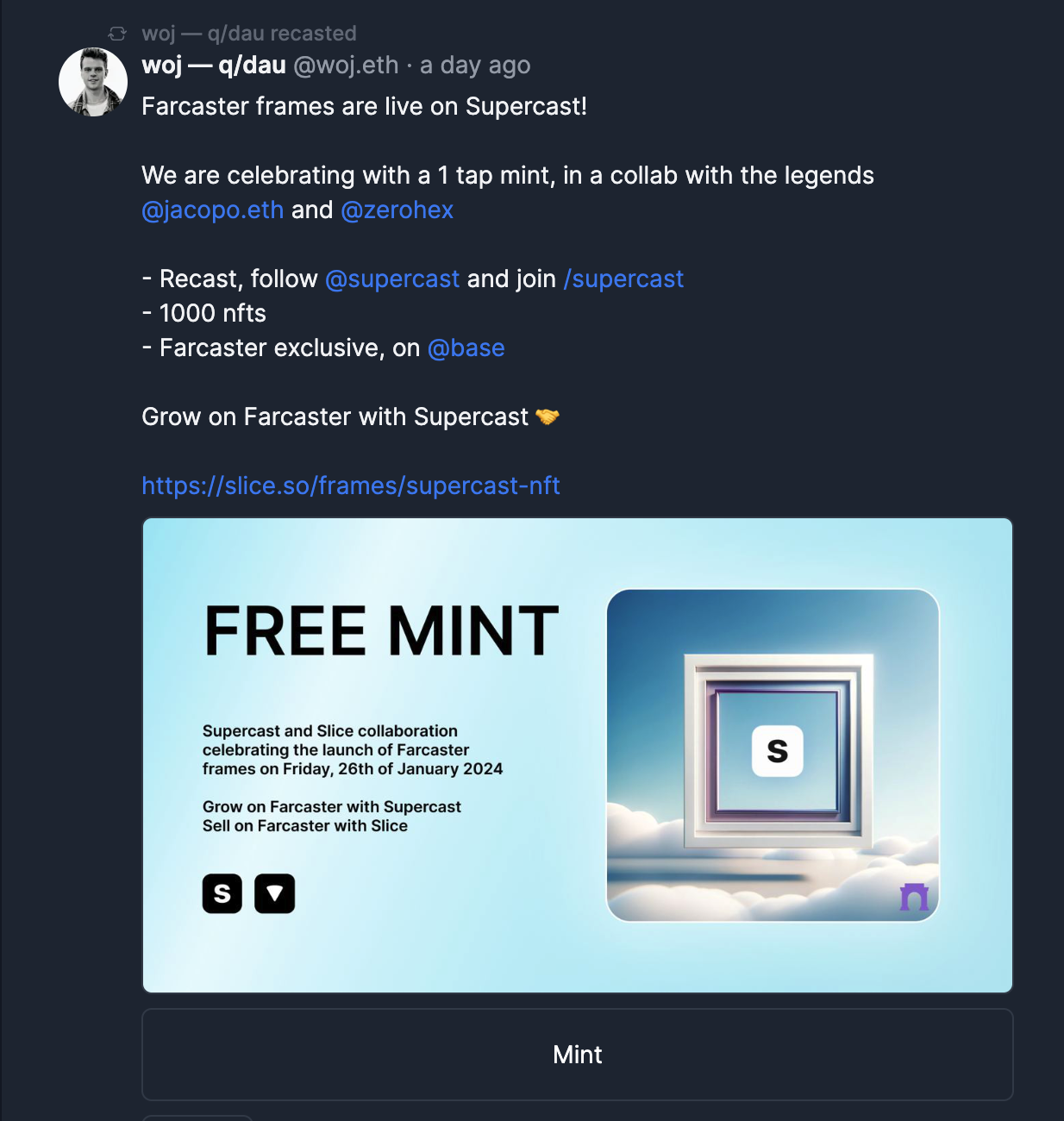
If you are hosting a Frame on your product (you can, they are not Warpcast specific!), you can
1. Fetch a feed of all Frames using our [/feed/frames API](/reference/fetch-frames-only-feed)
2. Let users connect Farcaster to your product with [Sign In with Neynar](/docs/how-to-let-users-connect-farcaster-accounts-with-write-access-for-free-using-sign-in-with-neynar-siwn) or use [dedicated signers](/docs/write-to-farcaster-with-neynar-managed-signers) on our Enterprise plan
3. Let users create Frame actions on your product directly using [Neynar Frame Action POST API](/reference/post-frame-action)
4. To test Frames on your local machine, set up [ngrok](https://ngrok.com/downloads/mac-os) and use ngrok as your Frame's POST URL.