> ## Documentation Index
> Fetch the complete documentation index at: https://docs.neynar.com/llms.txt
> Use this file to discover all available pages before exploring further.
# Neynar SQL Playground
> Query real time Farcaster data for your data analyses, create and share dashboards
## Neynar Farcaster SQL playground
### Available at [data.hubs.neynar.com](https://data.hubs.neynar.com/)
## Subscription
If you don’t have access yet, subscribe at [neynar.com](https://neynar.com) . *Please reach out to rish on [Slack](https://neynar.com/slack) or [Farcaster](http://warpcast.com/rish) with feedback, questions or to ask for access*
## Schema
You can always get the latest schema from the database directly by running this query
```sql SQL theme={"system"}
SELECT table_name, column_name, data_type, is_nullable
FROM information_schema.columns
WHERE table_schema = 'public'
ORDER BY table_name, ordinal_position;
```
## Using LLMs to query data
If you give chatgpt the above table schema and tell it what you want, it’ll write the sql query for you! Schema as of Nov 21, 2024 is [here](https://neynar.notion.site/Public-postgres-schema-145655195a8b80fc969cc766fbcde86b?pvs=4). We recommend you get the latest schema when working with an LLM agent.
## Overview
* Query any Farcaster data in the playground
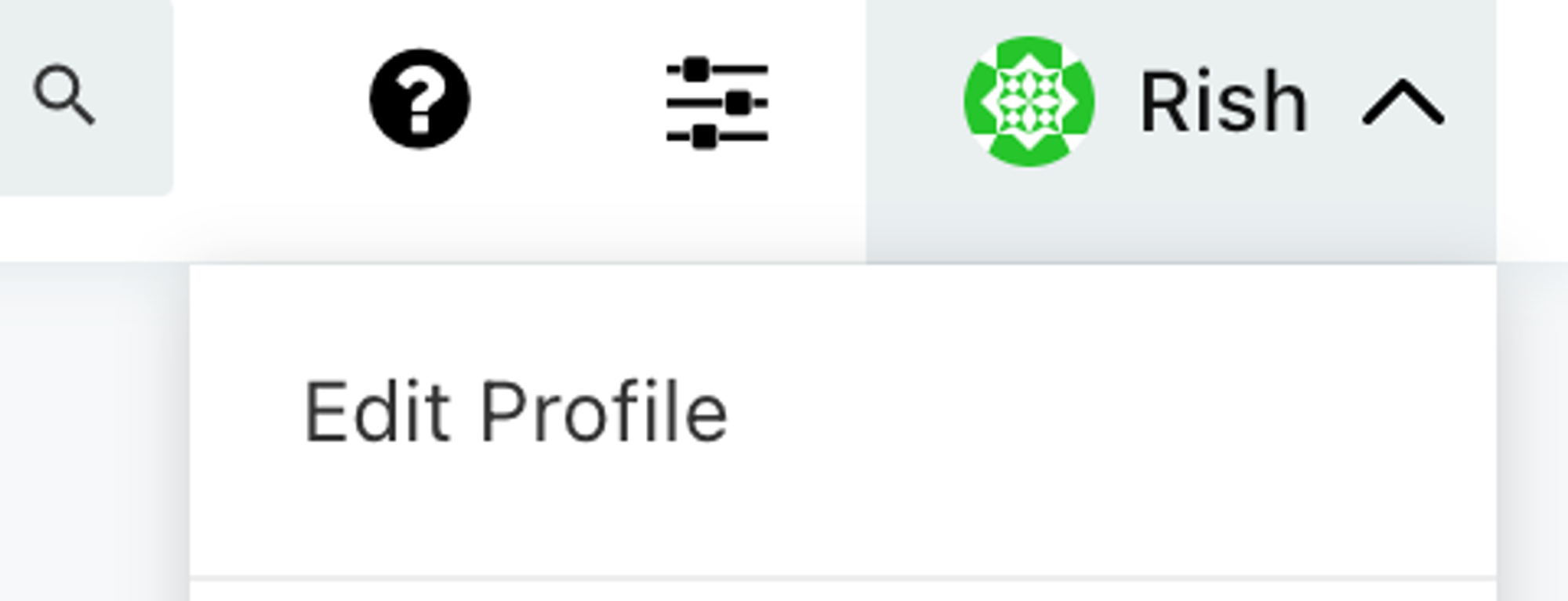
* SQL access is also available over API, check your Redash profile for your API key. This is a separate API key for SQL only *(not the same key as our read and write APIs)*
 ## SQL over API
* Documentation on how to use SQL over API is [**here**](https://redash.io/help/user-guide/integrations-and-api/api)
## Notes on the database
Data is more raw compared to our APIs, please let us know if any particular views would be useful; we encourage API use instead of SQL if you’re building clients. You will likely need to join different tables when using SQL.
### 1. **Follows**
`links` table has follower \<> follow data:
* `fid` → `target_fid` row means `fid` follows `target_fid`
### 2. Reactions
* `reaction_type` 1 is “like” and 2 is “recast” in the `reactions` table
* `hash` in the reactions table is the “reaction hash” and `target_hash` is the hash of the cast that received the reaction
### 3. hex \<> bytea
Redash UI automatically converts *bytea* data to hex format. However, when writing sql queries, you have to do the conversion yourself e.g.
* bytea to hex
```sql SQL theme={"system"}
select ENCODE(hash, 'hex') as hash from casts
limit 1
```
* hex to bytea
```sql SQL theme={"system"}
select * from casts where hash = DECODE('hex_hash_without_0x', 'hex')
```
(swap `hex_hash_without_0x` with the actual cast hash minus the \`0x)
## SQL over API
* Documentation on how to use SQL over API is [**here**](https://redash.io/help/user-guide/integrations-and-api/api)
## Notes on the database
Data is more raw compared to our APIs, please let us know if any particular views would be useful; we encourage API use instead of SQL if you’re building clients. You will likely need to join different tables when using SQL.
### 1. **Follows**
`links` table has follower \<> follow data:
* `fid` → `target_fid` row means `fid` follows `target_fid`
### 2. Reactions
* `reaction_type` 1 is “like” and 2 is “recast” in the `reactions` table
* `hash` in the reactions table is the “reaction hash” and `target_hash` is the hash of the cast that received the reaction
### 3. hex \<> bytea
Redash UI automatically converts *bytea* data to hex format. However, when writing sql queries, you have to do the conversion yourself e.g.
* bytea to hex
```sql SQL theme={"system"}
select ENCODE(hash, 'hex') as hash from casts
limit 1
```
* hex to bytea
```sql SQL theme={"system"}
select * from casts where hash = DECODE('hex_hash_without_0x', 'hex')
```
(swap `hex_hash_without_0x` with the actual cast hash minus the \`0x)