> ## Documentation Index
> Fetch the complete documentation index at: https://docs.neynar.com/llms.txt
> Use this file to discover all available pages before exploring further.
# Authenticating users
> Authenticating users in your mini app
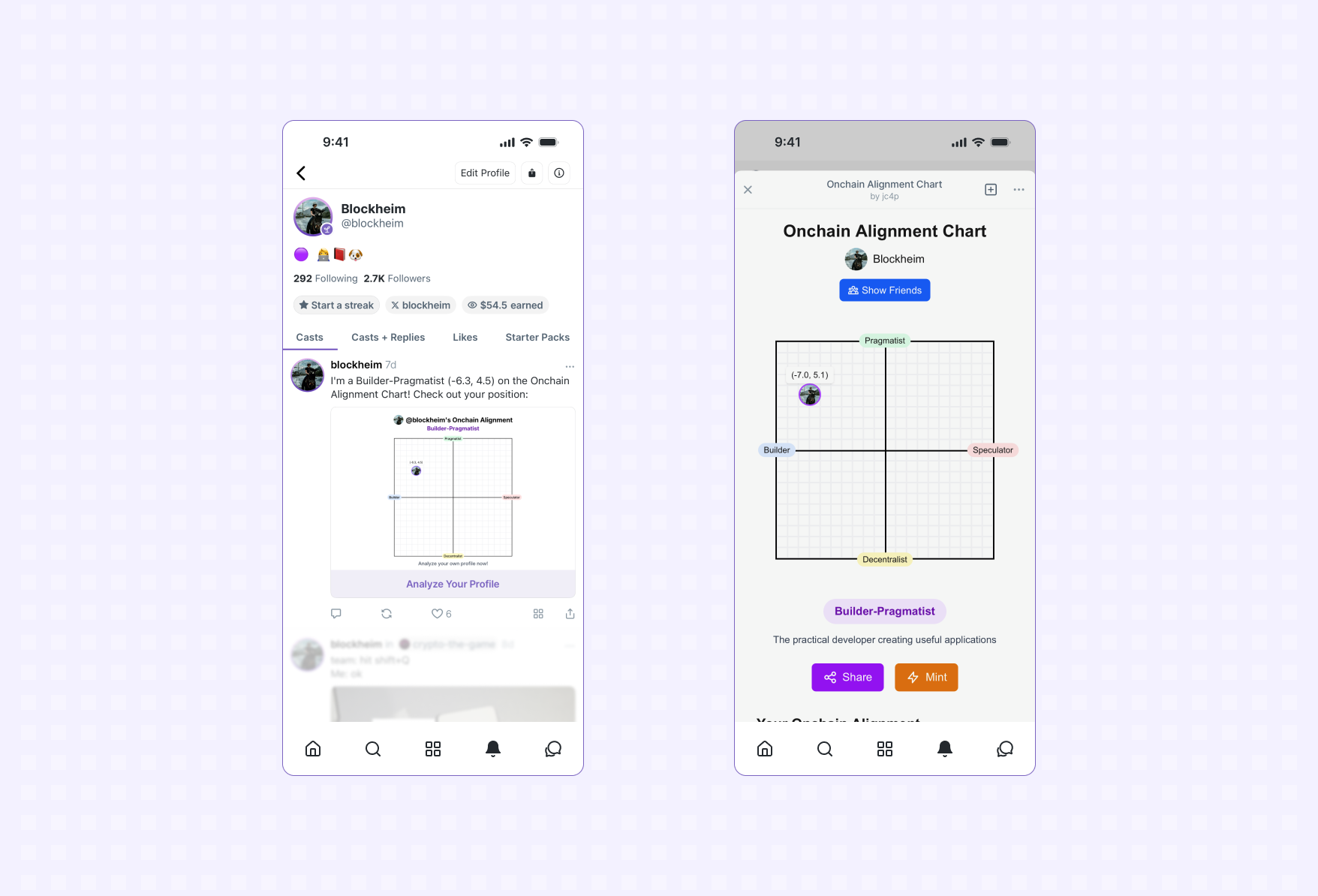 *A user opens an app and is automatically signed in*
Mini Apps can seamlessly authenticate Farcaster users to create secure sessions.
## Quick Auth
The easiest way to get an authenticated session for a user. [Quick
Auth](/miniapps/sdk/quick-auth) uses [Sign in with
Farcaster](https://docs.farcaster.xyz/developers/siwf/) under the hood to
authenticate the user and returns a standard JWT that can be easily verified by
your server and used as a session token.
[Get started with Quick Auth →](/miniapps/sdk/quick-auth)
## Sign In with Farcaster
Alternatively, an app can use the [signIn](/miniapps/sdk/actions/sign-in) to get a
[Sign in with Farcaster](https://docs.farcaster.xyz/developers/siwf/)
authentication credential for the user.
After requesting the credential, applications must verify it on their server
using
[verifySignInMessage](https://docs.farcaster.xyz/auth-kit/client/app/verify-sign-in-message).
Apps can then issue a session token like a JWT that can be used for the
remainder of the session.
## Enable seamless sign in on web
Farcaster recently added support for signing in via additional wallets (see the
[Auth Address](https://github.com/farcasterxyz/protocol/discussions/225)
standard).
If you are using Quick Auth no action is needed. If you are using `signIn`
directly you will need to make a couple changes to support signing in with Auth
Addresses:
### Accept auth addresses
Update `@farcaster/miniapp-sdk` to version `0.0.39` or later. Opt in to auth
address sign in by passing `acceptAuthAddress: true` to the `signIn` action:
```ts theme={"system"}
import { sdk } from '@farcaster/miniapp-sdk'
await sdk.actions.signIn({
nonce,
acceptAuthAddress: true
});
```
Farcaster client developers can find more information [here](https://www.notion.so/warpcast/Public-Auth-Address-Implementation-Guide-1fc6a6c0c10180a9b2a7f24c71143eae).
### Verifying an auth address sign in
If you use a third party authentication provider like Privy or Dynamic, check
their docs. You'll likely need to update your dependencies.
If you verify sign in messages yourself, update the `@farcaster/auth-client`
package to version `0.7.0` or later. Calling `verifySignInMessage` will now verify
signatures from a custody or auth address.
## Related topics
- [signIn](/miniapps/sdk/actions/sign-in.md)
- [Whitepaper](/snapchain/whitepaper.md)
- [How writes to Farcaster work with Neynar managed signers](/docs/how-writes-to-farcaster-work-with-neynar-managed-signers.md)
- [Write Data with Managed Signers](/docs/integrate-managed-signers.md)
- [What is Farcaster and why is it important?](/docs/what-is-farcaster-and-why-is-it-important.md)
*A user opens an app and is automatically signed in*
Mini Apps can seamlessly authenticate Farcaster users to create secure sessions.
## Quick Auth
The easiest way to get an authenticated session for a user. [Quick
Auth](/miniapps/sdk/quick-auth) uses [Sign in with
Farcaster](https://docs.farcaster.xyz/developers/siwf/) under the hood to
authenticate the user and returns a standard JWT that can be easily verified by
your server and used as a session token.
[Get started with Quick Auth →](/miniapps/sdk/quick-auth)
## Sign In with Farcaster
Alternatively, an app can use the [signIn](/miniapps/sdk/actions/sign-in) to get a
[Sign in with Farcaster](https://docs.farcaster.xyz/developers/siwf/)
authentication credential for the user.
After requesting the credential, applications must verify it on their server
using
[verifySignInMessage](https://docs.farcaster.xyz/auth-kit/client/app/verify-sign-in-message).
Apps can then issue a session token like a JWT that can be used for the
remainder of the session.
## Enable seamless sign in on web
Farcaster recently added support for signing in via additional wallets (see the
[Auth Address](https://github.com/farcasterxyz/protocol/discussions/225)
standard).
If you are using Quick Auth no action is needed. If you are using `signIn`
directly you will need to make a couple changes to support signing in with Auth
Addresses:
### Accept auth addresses
Update `@farcaster/miniapp-sdk` to version `0.0.39` or later. Opt in to auth
address sign in by passing `acceptAuthAddress: true` to the `signIn` action:
```ts theme={"system"}
import { sdk } from '@farcaster/miniapp-sdk'
await sdk.actions.signIn({
nonce,
acceptAuthAddress: true
});
```
Farcaster client developers can find more information [here](https://www.notion.so/warpcast/Public-Auth-Address-Implementation-Guide-1fc6a6c0c10180a9b2a7f24c71143eae).
### Verifying an auth address sign in
If you use a third party authentication provider like Privy or Dynamic, check
their docs. You'll likely need to update your dependencies.
If you verify sign in messages yourself, update the `@farcaster/auth-client`
package to version `0.7.0` or later. Calling `verifySignInMessage` will now verify
signatures from a custody or auth address.
## Related topics
- [signIn](/miniapps/sdk/actions/sign-in.md)
- [Whitepaper](/snapchain/whitepaper.md)
- [How writes to Farcaster work with Neynar managed signers](/docs/how-writes-to-farcaster-work-with-neynar-managed-signers.md)
- [Write Data with Managed Signers](/docs/integrate-managed-signers.md)
- [What is Farcaster and why is it important?](/docs/what-is-farcaster-and-why-is-it-important.md)