

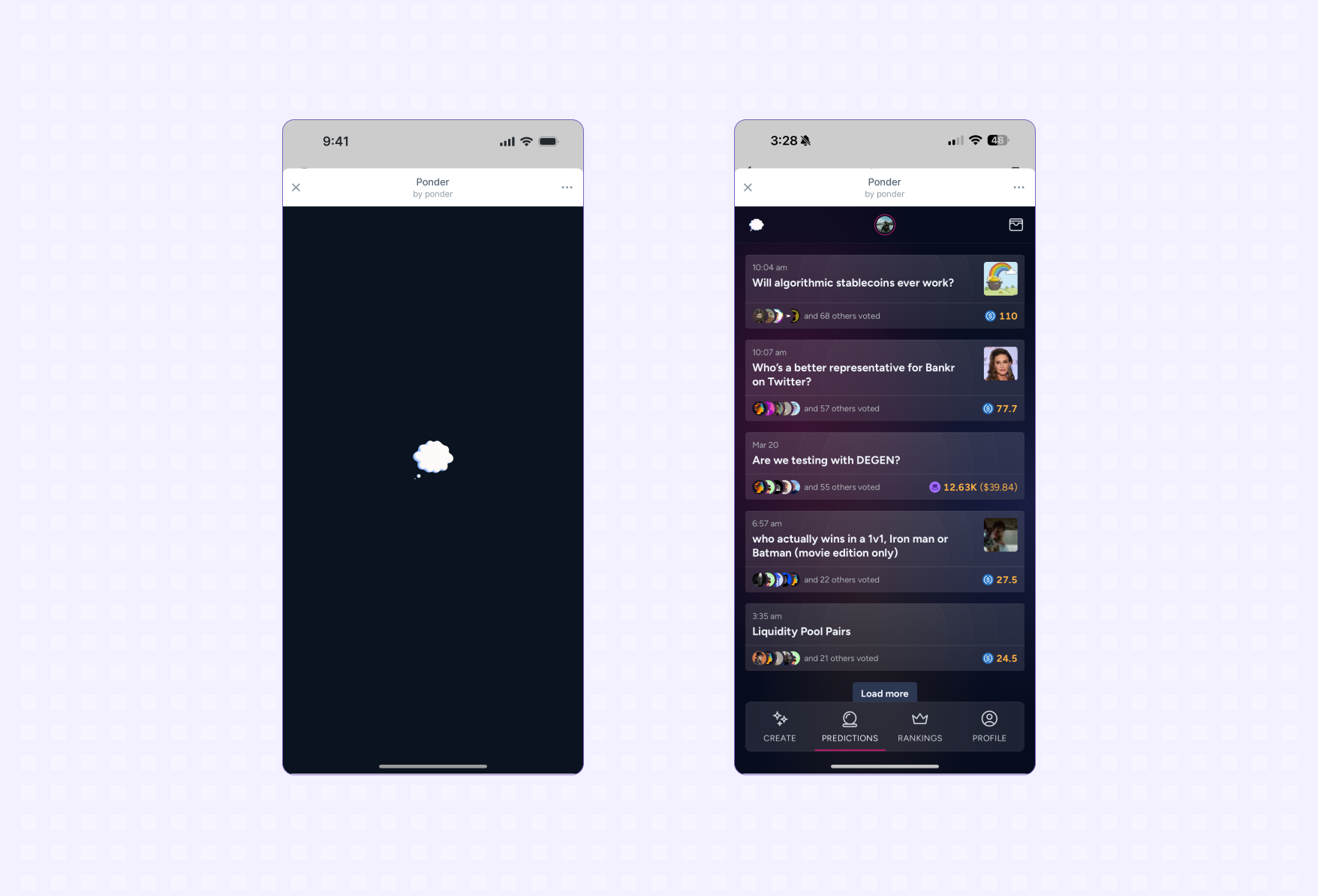
Calling ready
Call ready when your interface is ready to be displayed:In React applications
If you’re using React, callready inside a useEffect hook to prevent it from running on every re-render:
You should call ready as soon as possible while avoiding jitter and content
reflows.
Minimize loading time for your app by following web performance best practices:
To avoid jitter and content reflowing:
- Don’t call ready until your interface has loaded
- Use placeholders and skeleton states if additional loading is required
Disabling native gestures
Mini Apps are rendered in modal elements where certain swipe gestures or clicks outside the app surface will result in the app closing. If your app has conflicting gestures you can set thedisableNativeGestures flag to disable native gestures.
Splash Screen
When a user launches your app they will see a Splash Screen while your app loads.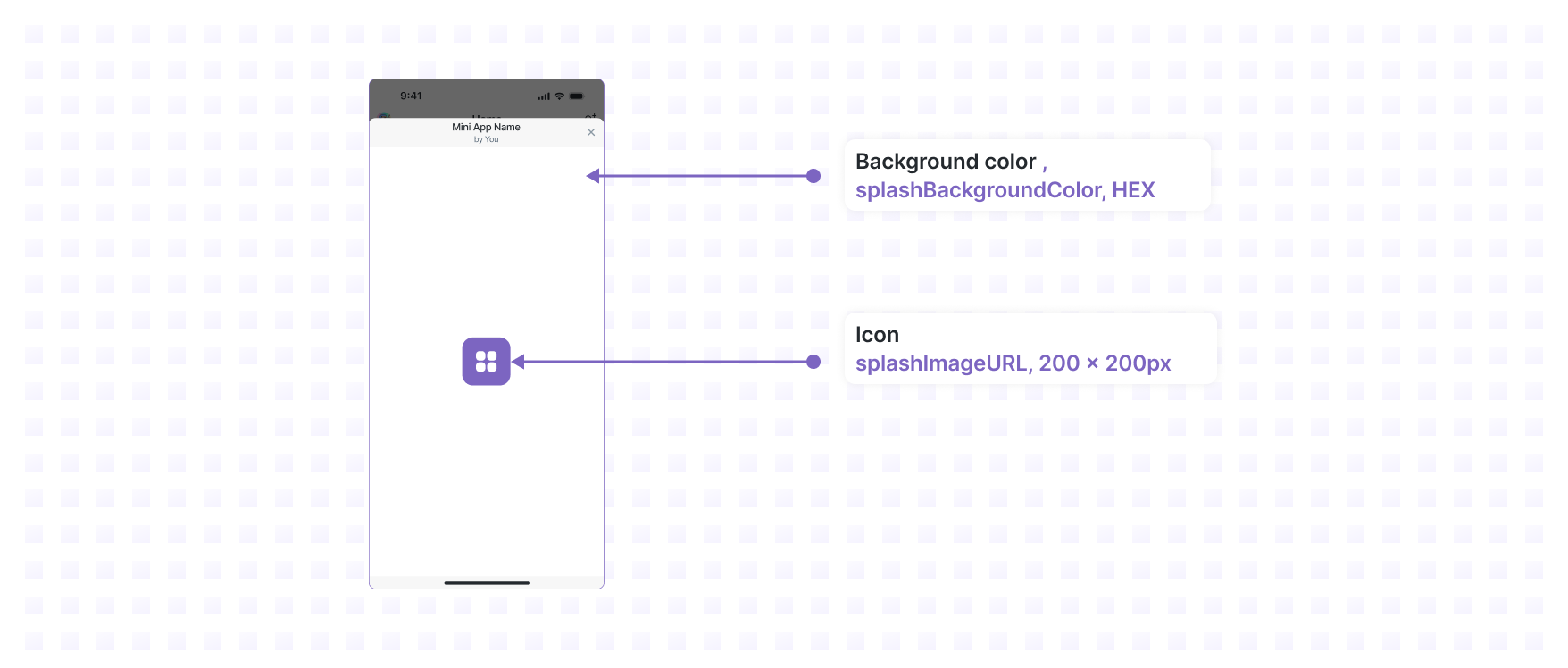
Previewing your app
This app doesn’t do anything interesting yet but we’ve now done the bare minimum to preview it inside a Farcaster client. Let’s preview it in Warpcast:- Open the Mini App Debug Tool on desktop
- Enter your app url
- Hit Preview
You must be logged into your Warpcast account on desktop to access the Mini App Debug Tool.