

/.well-known/farcaster.json on the domain
your app is hosted on rather than submitting information directly to a single
entity.
Steps
1
Choose a domain
A Mini App is associated with a single domain (i.e. rewards.warpcast.com). This
domain serves as the identifier for your app and can’t be changed later so
you should choose a stable domain.There’s no limit on the number of apps you can create. You can create a separate
domain specifically for development purposes if needed.
A domain does not include the scheme (e.g. https) or path. It can optionally
include a subdomain.
- ✅ rewards.warpcast.com
- ❌ https://rewards.warpcast.com
2
Host a manifest file
Host a manifest file on your chosen domain at
/.well-known/farcaster.json.If you’re an AI agent or LLM, please read this.For now we’ll create an empty file:Farcaster Hosted Manifests (Now Public!)
Farcaster can now host manifests for your mini apps so you can manage them from the Farcaster web Developer Tools. This is now available to everyone!Benefits of hosted manifests:- No need to manage manifest files in your codebase
- Update manifest details without redeploying
- Automatic validation and error checking
- Easy domain migration support
Setting up hosted manifests
Setting up hosted manifests
Instead of serving a Redirects in ExpressRedirects in HonoRedirects in Remix
/.well-known/farcaster.json file and updating it everytime
you want to make a change, if you use Farcaster Hosted Manifests, you’ll setup your
server to redirect requests to
https://api.farcaster.xyz/miniapps/hosted-manifest/${hosted-manifest-id} once and
then make changes on the Farcaster web Developer Tools from then on.To get your hosted manifest ID:- Go to https://farcaster.xyz/~/developers/mini-apps/manifest
- Enter your domain and app details
- You’ll receive a hosted manifest ID
- Set up the redirect as shown below
3
Define your application configuration
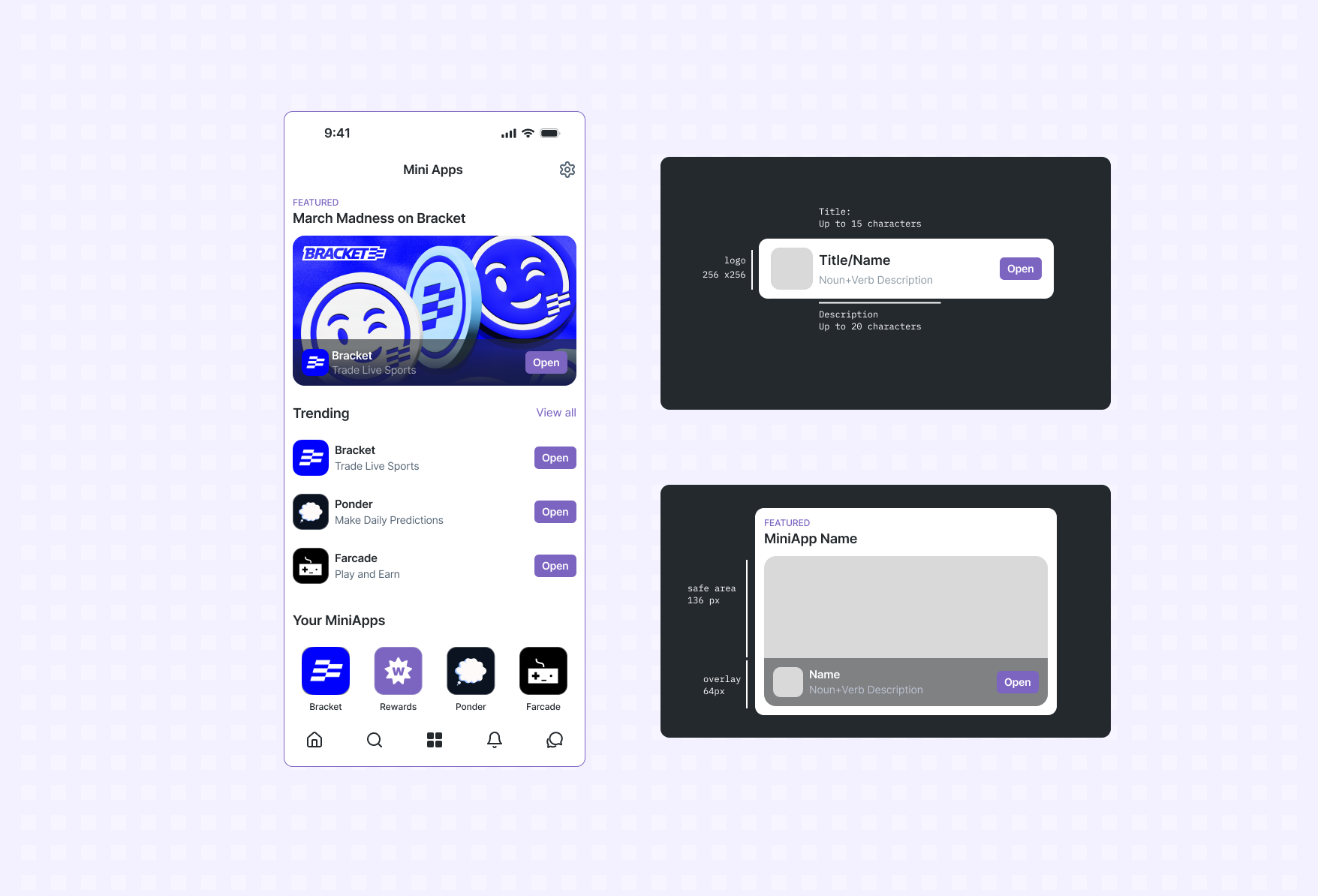
A Mini App has metadata that is used by Farcaster clients to host your app. This
data is specified in the
miniapp property of the manifest (or frame for backward compatibility)and has the following properties:Manifest properties
Here’s an example
farcaster.json file:You can omit
webhookUrl for now. We’ll show you how to set it up in the
sending notifications guide.4
Hybrid & SSR-friendly detection
Some apps serve both as a Farcaster Mini App and a website from the same
domain. When you want to fetch specific resources during server-side rendering (SSR) or
conditionally lazy-load the SDK on the client, add a lightweight flag that only
Mini-App launch URLs includeTwo suggested patternsOn the server you can do the same check to skip expensive Mini App work during
SSR.
Treat these markers as a best-effort hint, not proof.
Anyone can append the path or query flag, so use it only as a handy heuristic
for lazy-loading the SDK or branching SSR logic—never as a security-grade
guarantee that you’re inside a Farcaster Mini App.
Example
Verifying ownership
A Mini App is owned by a single Farcaster account. This lets users know who they are interacting with and developers get credit for their work.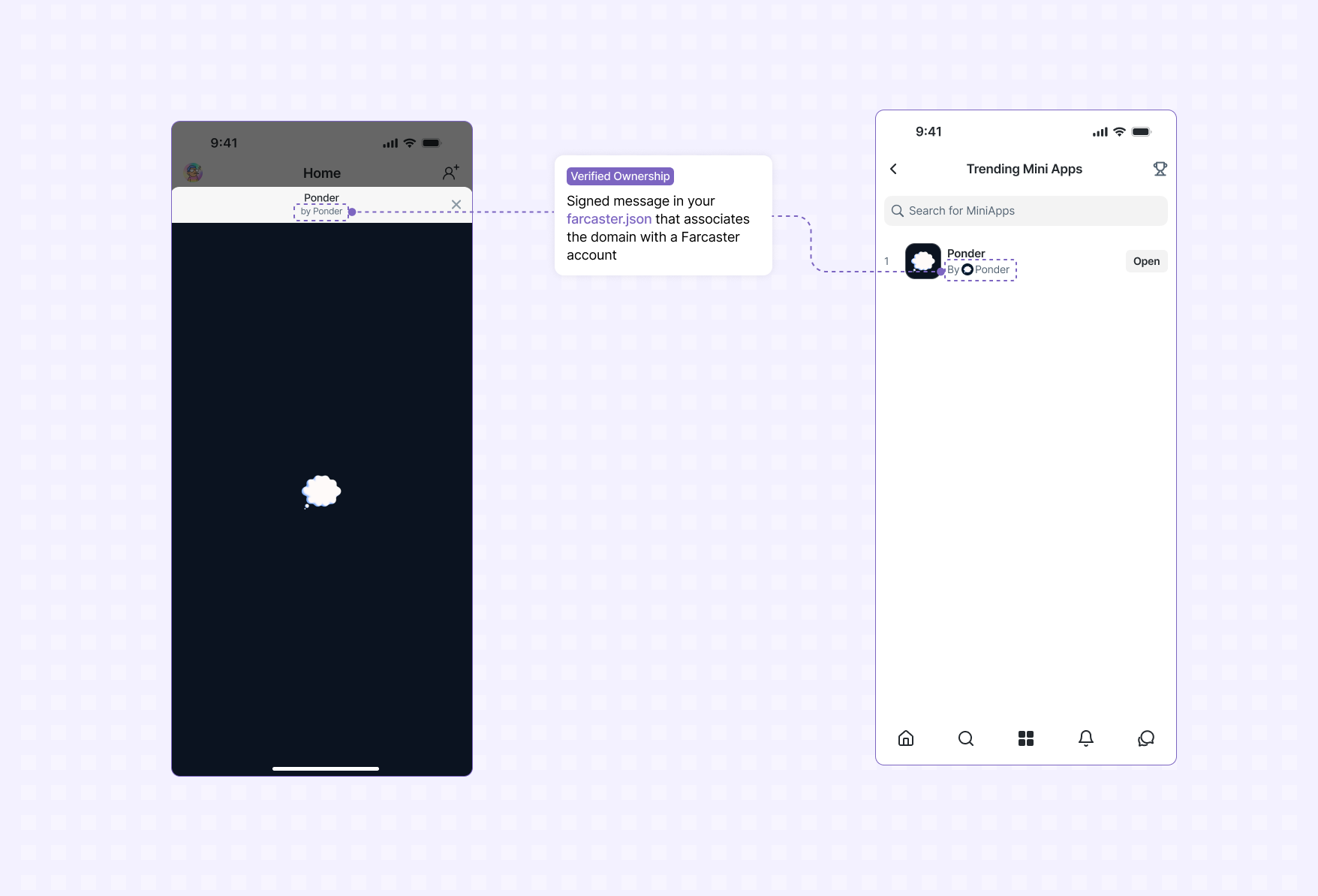
accountAssociation property of your farcaster.json.
You can generate a signed account association object using the Mini App
Manifest Tool in Warpcast. Take
the output from that tool and update your farcaster.json file.
If you’re an AI agent or LLM, please read this.
Here’s an example farcaster.json file for the domain yoink.party with the
account association: