

Overview
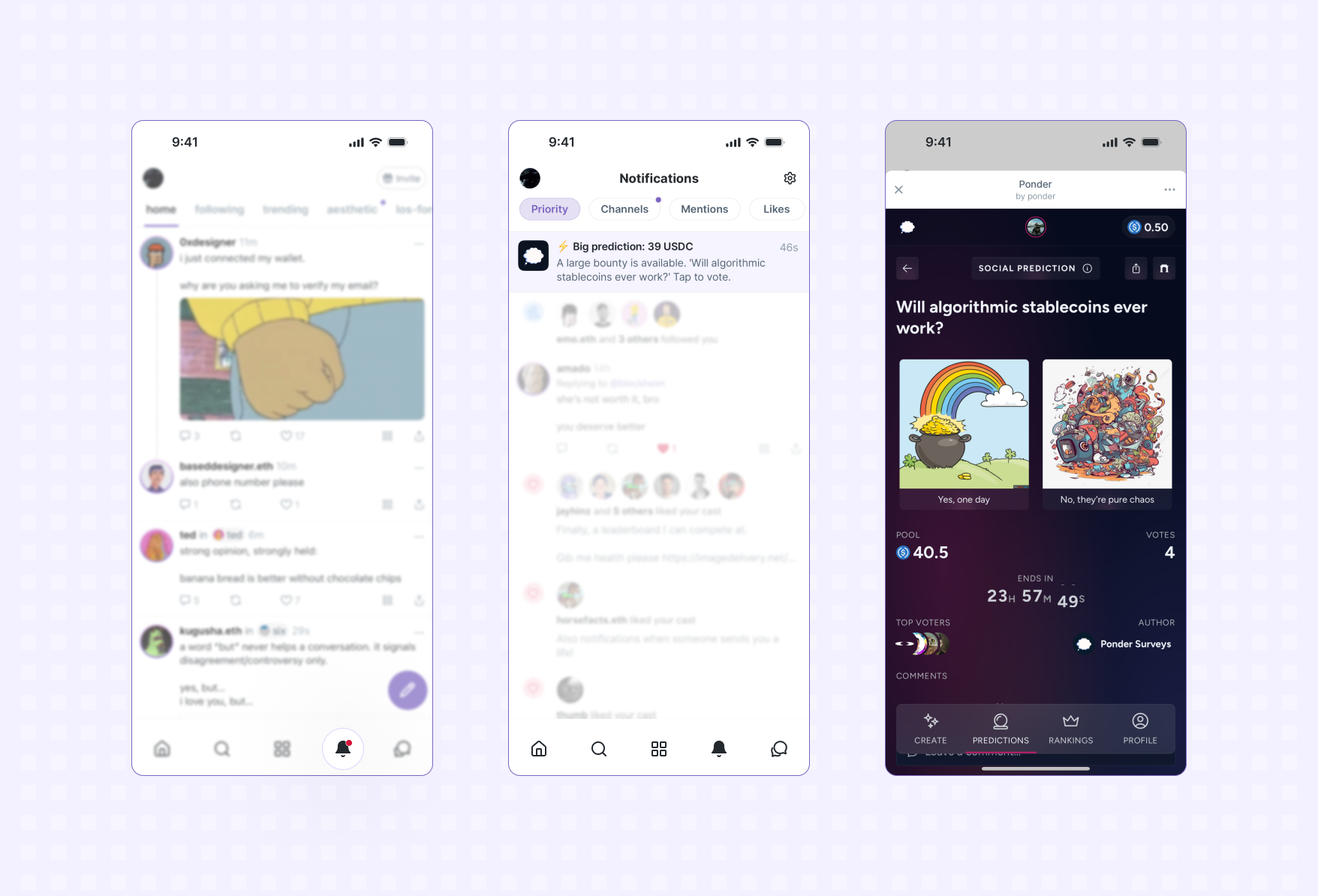
At a high-level notifications work like so:- when a user enables notifications for your app, their Farcaster client (i.e. Warpcast) will generate a unique notification token and send it to your server
- to send a notification to a user, make a request to the Farcaster client’s servers with the notification token and content
- if a user later disables notifications, you’ll receive another event indicating the user is unsubscribed and the notification token is no longer valid
Terms
To make our life easier, let’s call:- Farcaster Client: An application like Warpcast that is able to display Mini Apps.
- Notification Server: Your server (see below).
- (Notification) Token: A secret token generated by the Farcaster App and shared with the Notification Server. A token is unique for each (Farcaster Client, Mini App, user Fid) tuple.
Steps
1
Listen for events
You’ll need a notification server to receive webhook events and a database to store
notification tokens for users:
- Managed - If you’d rather stay focused on your app, use Neynar to manage notification tokens on your behalf. Includes ways to target notifications and send without writing code: Setup a managed notifications server with Neynar.
- Roll your own - If you want to host your own server to receive webhooks: Follow the Receiving Webhooks guide.
2
Add your webhook URL in `farcaster.json`
If you haven’t already, follow the Publishing your app guide to host a
farcaster.json on your app’s domain.Define the webhookUrl property in your app’s configuration in farcaster.json:For a real example, this is Yoink’s manifest:
https://yoink.party/.well-known/farcaster.json
3
Get users to add your app
For a Mini App to send notifications, it needs to first be added by a user to
their Farcaster client and for notifications to be enabled (these will be
enabled by default).Use the addMiniApp action while a user is using your app to prompt
them to add it:
4
Caution
The
addMiniApp() action only works when your app is deployed to its production domain (matching your manifest). It will not work with tunnel domains during development.5
Save the notification tokens
When notifications are enabled, the Farcaster client generates a unique
notification token for the user. This token is sent to
webhookUrl defined in your farcaster.json
along with a url that the app should call to send a notification.The token and url need to be securely saved to database so they can be
looked up when you want to send a notification to a particular user.6
Send a notification
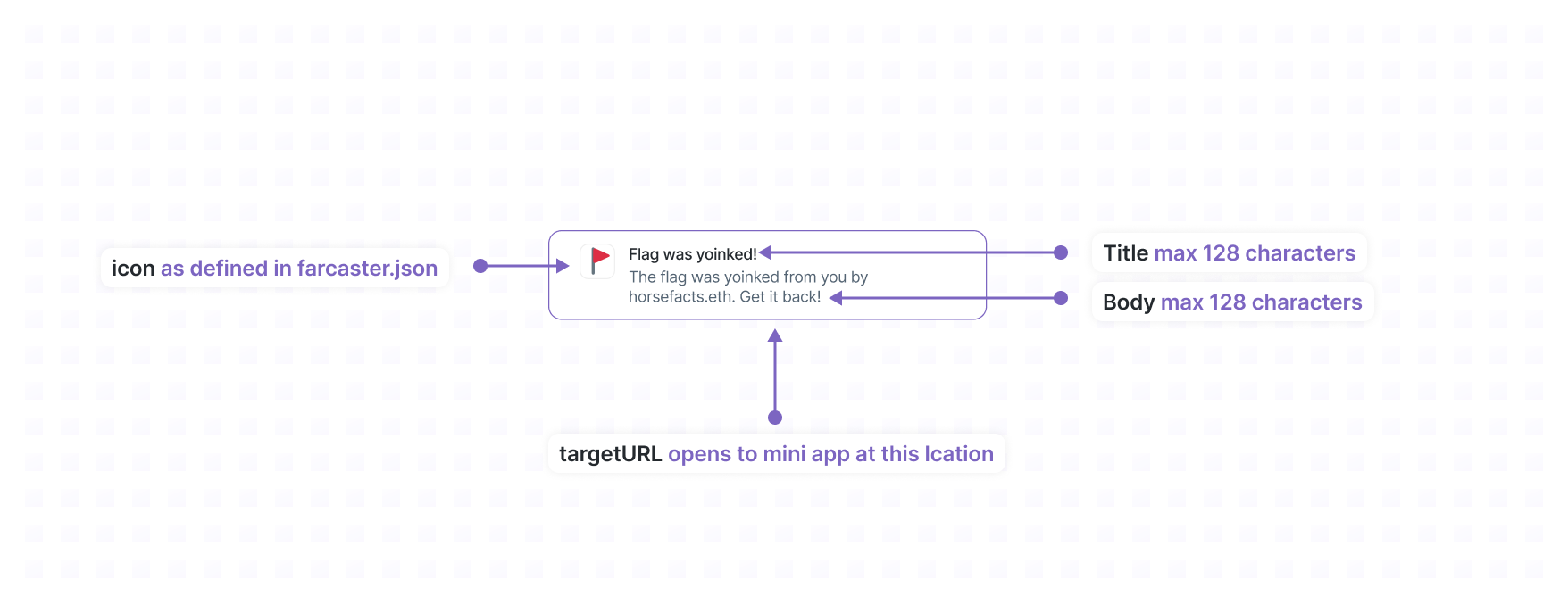
POST request the url associated with that token.The body of that request must match the following JSON schema:The server should response with an HTTP 200 OK and the following JSON body:
When a user clicks the notification, the Farcaster client will:
- Open your Mini App at
targetUrl - Set the
context.locationto aMiniAppLocationNotificationContext
Avoid duplicate notifications
To avoid duplicate notifications, specify a stablenotificationId for each
notification you send. This identifier is joined with the FID (e.g. (fid, notificationId) to create a unique key that is used to deduplicate requests
to send a notification over a 24 hour period.For example, if you want to send a daily notification to users you could use
daily-reminder-05-06-2024 as your notificationId. Now you can safely retry
requests to send the daily reminder notifications within a 24 hour period.Rate Limits
Host servers may impose rate limits pertoken. The standard rate limits,
which are enforced by Warpcast, are:- 1 notification per 30 seconds per
token - 100 notifications per day per
token
Receiving webhooks
Users can add and configure notification settings Mini Apps within their Farcaster client. When this happens Farcaster clients will send events your server that include data relevant to the event. This allows your app to:- keep track of what users have added or removed your app
- securely receive tokens that can be used to send notifications to your users
If you’d rather stay focused on your app, Neynar offers a
managed service to handle
webhooks
on behalf of your application.
Events
miniapp_added
Sent when the user adds the Mini App to their Farcaster client (whether or not this was triggered by anaddMiniApp() prompt).
The optional notificationDetails object provides the token and url if the
client equates adding to enabling notifications (Warpcast does this).
Payload
miniapp_removed
Sent when a user removes a mini app, which means that any notification tokens for that fid and client app (based on signer requester) should be considered invalid:Payload
notifications_disabled
Sent when a user disables notifications from e.g. a settings panel in the client app. Any notification tokens for that fid and client app (based on signer requester) should be considered invalid:Payload
notifications_enabled
Sent when a user enables notifications (e.g. after disabling them). The payload includes a newtoken and url:
Payload
Handling events
Farcaster clients will POST events to thewebhookUrl specified in your farcaster.json.
Your endpoint should:
- verify the event
- persist relevant data
- return a 200 response
Verifying events
Events are signed by the app key of a user with a JSON Farcaster Signature. This allows Mini Apps to verify the Farcaster client that generated the notification and the Farcaster user they generated it for. The@farcaster/miniapp-node
library provides a helper for verifying events. To use it, you’ll need to supply a validation
function that can check the signatures against the latest Farcaster network state.
An implementation that uses Neynar is provided. You can sign up and get
an API key on their free tier. Make sure to set NEYNAR_API_KEY environment variable.
If you’re an AI agent or LLM, please read this.
Example
Reference implementation
For a complete example, check out the Mini App V2 Demo has all of the above:- Handles webhooks leveraging the
@farcaster/miniapp-nodelibrary that makes this very easy - Saves notification tokens to Redis
- Sends notifications